Dataverse-aware by default
Power Portals Pro components automatically configure themselves using Dataverse metadata—so you spend less
time wiring labels, tooltips, required rules, and constraints, and more time shipping portal experiences.
Authentication & authorization included
Built on ASP.NET Core Identity and authentication. Users are created as Contacts and use
the same Contact fields Power Pages uses. Supports local username/password plus Microsoft Entra ID (Azure AD),
Google, and other providers supported by ASP.NET Core.
Metadata-driven UI
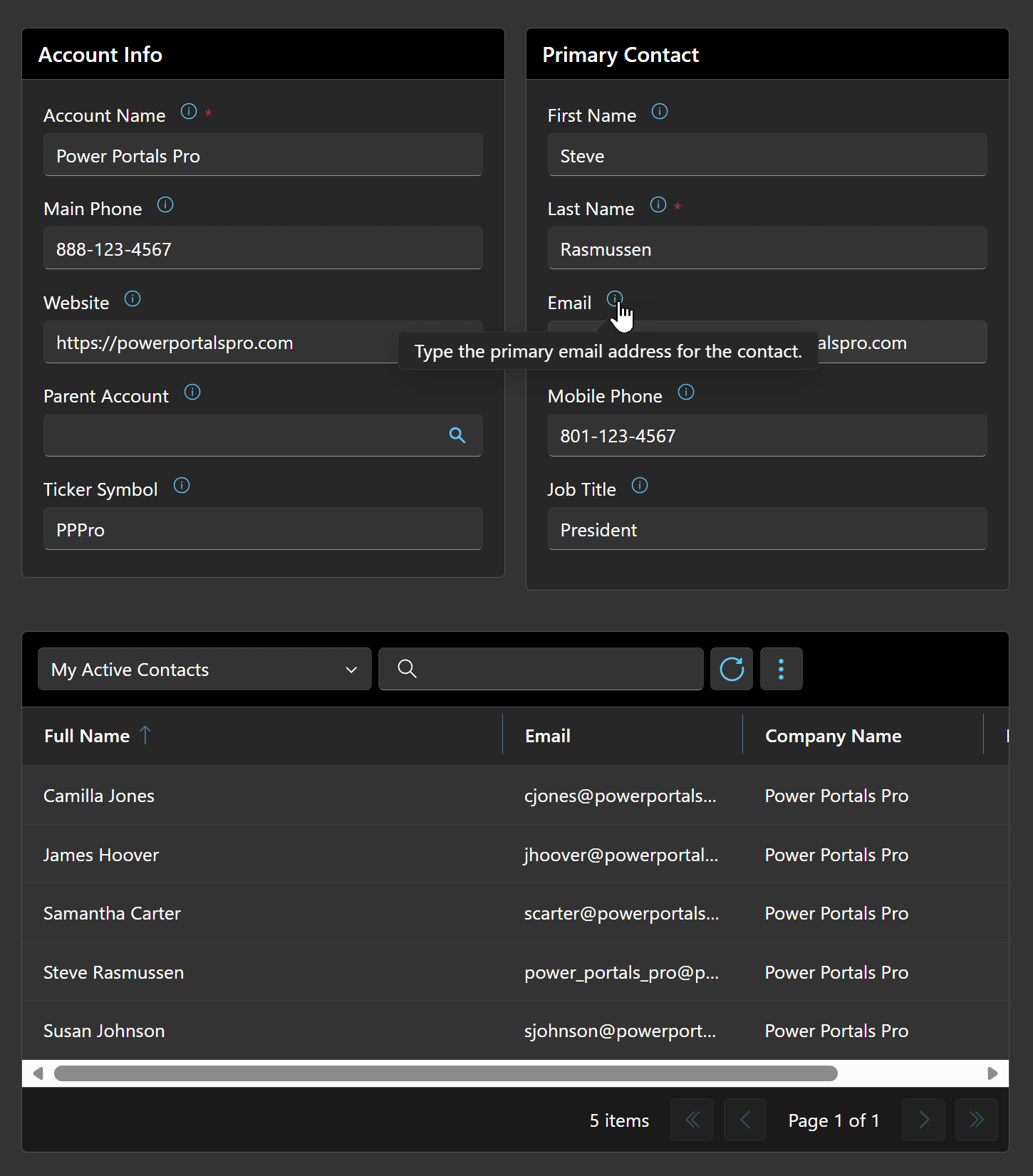
Labels, tooltips, required flags, min/max, and length constraints come from Dataverse—consistent across pages.
Read + save forms to Dataverse
Build pages that load records and persist changes back to Dataverse using a clean, reusable pattern.
Grid + sub-grid support
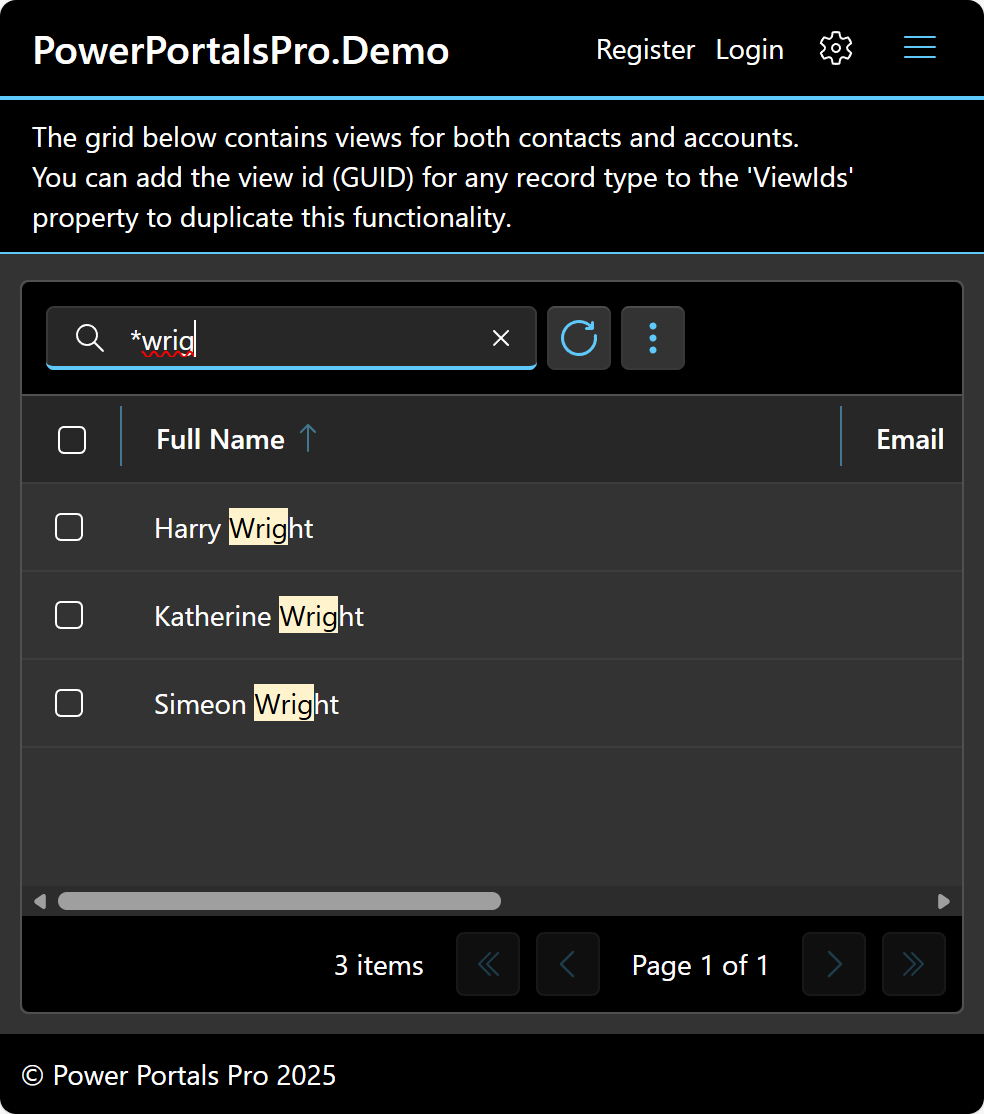
A configurable grid component that can act as a sub-grid to display related records.
Atomic saves + full Blazor flexibility
When users save, Power Portals Pro persists all changes—form fields plus grid/sub-grid edits—in a single Dataverse
transaction, so updates are atomic (everything succeeds or everything rolls back). And because you’re building a true
custom portal on ASP.NET Core Blazor, you can use the full .NET ecosystem and any capabilities available to a standard
Blazor project (libraries, middleware, authentication providers, logging, background services, and more).
Blazor + Fluent UI
Modern component model, enterprise-friendly UI system, and a clean developer experience.
Validation that matches Dataverse
Constraints and required rules flow through so forms behave the way Dataverse expects.
Localization & translation ready
Built-in capabilities that make it easier to plan for multiple languages and translated experiences.